




















The Print Looks Fine But Rubs Off: Why Fuser Film Sleeves Fail
The Print Looks Fine But Rubs Off: Why Fuser Film Sleeves Fail
 2026-12-08
 6


A page comes out crisp and clean — every line sharp, every colour in register. Then a thumb drags across it and the toner smears. Fold it and the crease flakes. Run it through a second machine and the toner transfers onto the rollers. Nothing upstream of the fuser is broken. The imaging was perfect; the fusing was not.
This is the failure mode that confuses people more than almost any other, because every process the user can see — charge, expose, develop, transfer — worked exactly as designed. What failed is invisible, buried inside the fuser unit, and it is almost always the same component: the fuser film sleeve.
What the Fuser Film Sleeve Actually Does
At the moment toner lands on the paper, it is nothing but loose powder. Electrostatic attraction is the only thing holding it there, and a dry finger wipes it away instantly. To make the image permanent, the toner has to be melted and pressed into the fibre of the sheet.
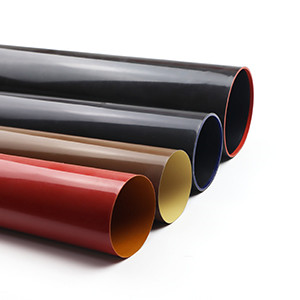
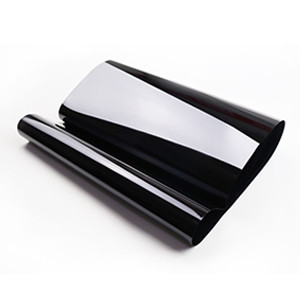
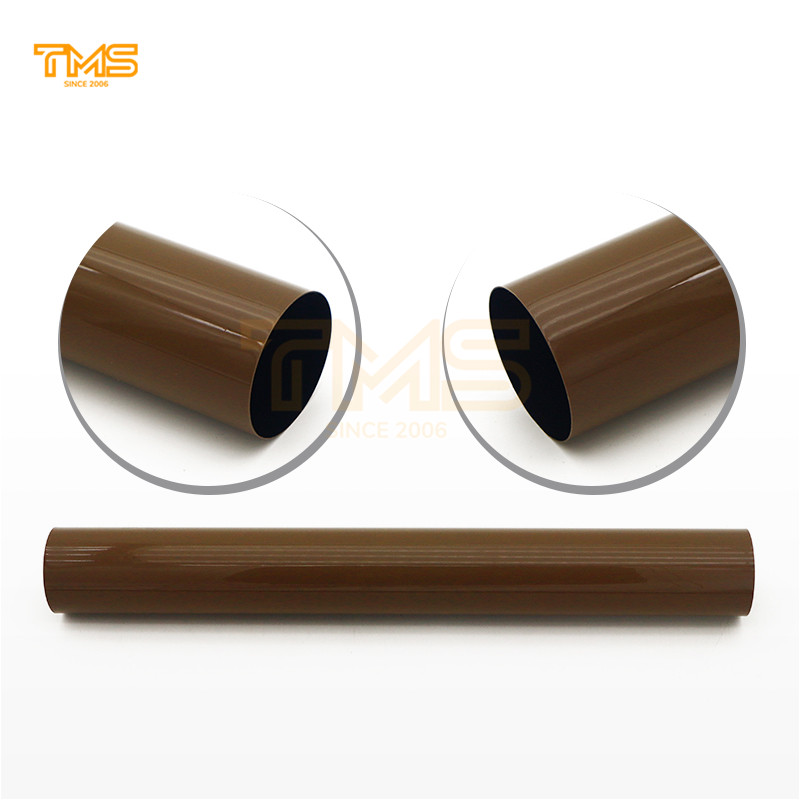
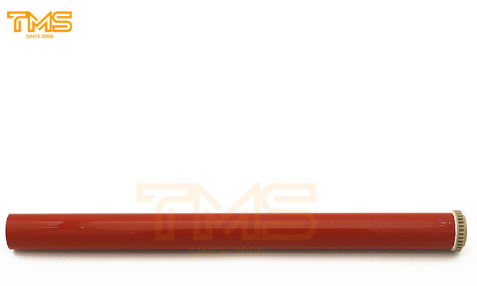
The fuser film sleeve is the part that does this. It is a thin, flexible belt wrapped around a heated element, rotating against a pressure roller. Paper passes between them and, for a fraction of a second, is subjected to roughly 150–200 °C at several hundred newtons of pressure. Toner particles soften, flow into the paper's surface structure, and cool back into place.
The image on the exit tray is not ink. It is plastic that has been melted in place — and it stays there only as long as all three conditions held true at the same instant.
Why a Print Can Look Perfect and Still Rub Off
Fusing depends on three things being true simultaneously: temperature, pressure and release. When a sleeve ages, release fails first — and only release. Temperature stays in range, pressure stays correct, the image still transfers cleanly onto the page.
What changes is the sleeve's outer surface. A release layer that has worn thin no longer lets go of softened toner properly. Instead of flowing into the paper, the toner splits: part of it bonds to the sheet, part of it clings to the sleeve and gets carried away or redeposited on the next revolution. The print looks correct when it lands in the tray and fails the moment it is touched, folded, or stacked against another sheet.
That is the entire diagnostic signature: an image that is sharp but not attached.
The Five Ways a Fuser Film Sleeve Fails
● Release coating worn through. The most common cause of rub-off. The outer layer thins with every rotation, and once it is compromised the toner sticks to the sleeve rather than the page.
● Surface contamination. Toner and paper dust bake onto the sleeve and harden. Contaminated patches produce glossy streaks, repeated marks spaced at the sleeve's circumference, and inconsistent gloss across the sheet.
● Physical damage. A paper clip, a staple or grit carried in on the paper scores the surface. A scratched sleeve leaves a permanent line of unfused toner that returns in the same position on every page.
● Edge fatigue and dimensional distortion. Over time the sleeve can stretch or deform at the edges, causing uneven pressure across the sheet and a heat profile that drifts from the centre outward.
● Loss of internal lubrication. The sleeve slides over its heater assembly on a film of lubricant. As the lubricant depletes, friction rises, the sleeve slows or grabs, and fusing becomes erratic — sometimes page to page.
What Gets Blamed Instead of the Sleeve
Four other faults produce symptoms that look like a failing sleeve but are not:
● Wet or heavy paper stock. Damp paper absorbs heat and can leave toner under-fused on a perfectly healthy machine. Test with a fresh ream before ordering anything.
● Wrong media or fuser settings. Thick stock, envelopes and coated paper need a different fusing profile. Selecting the correct paper type often resolves the fault outright.
● A worn pressure roller. A flattened or contaminated pressure roller produces poor nip contact, which mimics sleeve failure from a different cause.
● Off-spec toner. Toner with the wrong melt point will not fuse properly no matter how good the sleeve is — and it also contaminates the fuser for every cartridge that follows.
How to Confirm the Diagnosis in Two Minutes
● The rub test. Print a solid black block and drag a thumb across it. Toner that lifts or smears means the fault is in fusing, not imaging.
● The fold test. Fold the page and rub the crease. Flaking at the fold confirms weak adhesion rather than a transfer problem.
● Look for repeat marks. Marks repeating at a fixed interval point to a specific rotating component; measure the spacing to identify which.
● Check the sleeve surface. A healthy sleeve is smooth and slightly slick. A failing one looks glazed, dull, scored or has hardened patches.
If the rub test fails and the sleeve surface is compromised, the sleeve is the answer. If the sleeve looks clean and the fault only appears on certain paper, look at settings first.
Five TMS Fuser Film Sleeves Covering Four Major Brands
TMS treats fuser film sleeves as a product line in their own right — matched to specific model groups rather than sold as a generic fit. Five widely requested units:
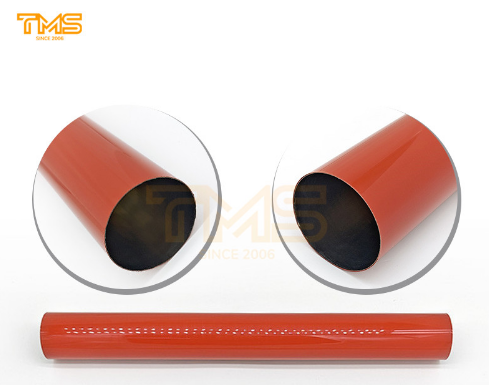
1. Konica Minolta BH 654 Fuser Film Sleeve — TMS5022G
One of the broadest-coverage sleeves in the range, cross-referencing original part numbers A2X0R71011 and A2XKR71033. Covers bizhub 654, 754, 654e, 754e, C654, C754, C654e, C754e, 554e, C554, C554e, C558, C658, 558, 558e, 658e, 758 and 808 — a single part number spanning both mono and colour platforms across two generations.
https://www.tms001.com/cn/details/35884.html
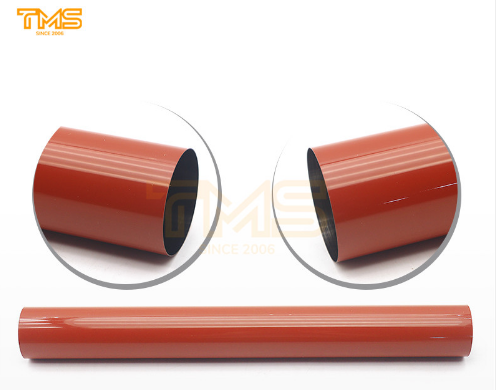
2. Konica Minolta BH C558 Fuser Film Sleeve — TMS5206G
Built for the colour bizhub C558, C658, C758, C808, C659 and C759 series. A staple for service companies supporting Konica Minolta colour fleets, where the colour units run hotter and harder than the mono machines they sit beside.
https://www.tms001.com/cn/details/35885.html
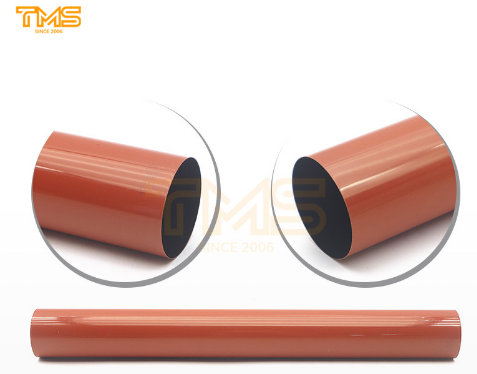
3. Kyocera 3050ci Fuser Film Sleeve — TMS5193G
Covers the Kyocera TASKalfa 3050ci, 3550ci, 3051ci, 3551ci, 4550ci, 5550ci, 4551ci and 5551ci. High-volume A3 colour machines where fuser wear accumulates quickly and a compromised sleeve shows up as visible rub-off on every job.
https://www.tms001.com/cn/details/35887.html
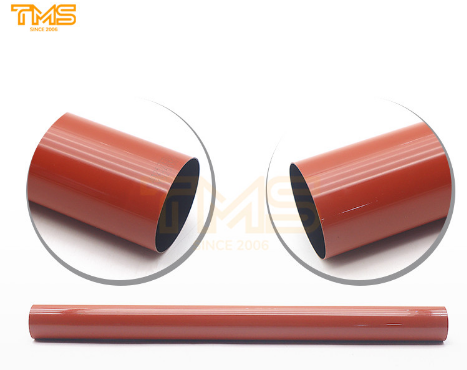
4. Sharp BP-50M26 Fuser Film Sleeve — TMS5197G
Cross-references original part number BP-FB703 and covers an unusually wide Sharp list — BP-50M26 through BP-70M65, BP-50C26 through BP-70C65, plus BP-M4552R, BP-5552R, BP-6552R, BP-M4582D, BP-5582D, BP-6582D and the BP-C2652R to BP-C6582D colour range. A current-generation sleeve that keeps newer Sharp fleets serviceable from independent stock.
https://www.tms001.com/cn/details/35886.html
5. Toshiba 2505AC Fuser Film Sleeve — TMS5160G
Cross-references BT-FC505-Film, BT-FC505H-Film, 6LJ58937000, 6LJ590000 and 6LK522780. Fits e-STUDIO 2505AC, 3005AC, 3505AC, 4505AC, 5005AC, 2515AC through 5015AC, and the 2555C to 5055C colour series. Multiple original cross-references against one part number, which simplifies stocking for mixed Toshiba estates.
https://www.tms001.com/cn/details/35882.html
Where These Parts Come From
Fuser film sleeves sit in an awkward spot in the aftermarket. They are not the high-margin cartridge every supplier promotes, and they are not a part most buyers think to stock — until a machine is down and the print rubs off. That is exactly the category TMS builds its range around.
TMS manufactures compatible consumables and parts for printers and copiers, and sleeves are treated as a line in their own right rather than a footnote to the toner business — matched to specific model groups, not sold on a "close enough" basis. The range runs across Ricoh, Canon, Xerox, Kyocera, Konica Minolta, Sharp, Lexmark, Samsung, Toshiba, HP and Brother platforms, alongside drum cleaning blades, charge rollers, transfer belts and feed components.
Most TMS buyers are the people who meet this failure at the machine: service companies, independent dealers and managed print providers who care less about the newest model and more about whether the sleeve for a nine-year-old bizhub is on a shelf somewhere. TMS consumables have almost twenty years of that kind of use behind them, with buyers spread across continents and machines running in freezing warehouses, hot print rooms and humid coastal offices. A release coating that is slightly off-spec shows up as smeared toner within a few thousand pages in any of those conditions — which is why the parts keep behaving the same way batch after batch, and why the range still covers models most suppliers quietly stopped carrying.


