















Brother Laser Printer Toner Cartridge Recommendations & Replacement Guide: TMS Compatible Parts for All Major Brother Printer Series
Brother Laser Printer Toner Cartridge Recommendations & Replacement Guide: TMS Compatible Parts for All Major Brother Printer Series
 2026-11-10
 38


A Brother laser printer rarely fails all at once. More often it starts with a faint vertical streak on page 40 of a report, a slight greying behind the text, or a "toner low" warning that appears weeks earlier than it should. Nine times out of ten, the machine is fine — the problem is what someone loaded into it. Buying a cheap printer Toner Cartridge to save a few dollars per unit is one of the fastest ways to convert a working printer into a service call, and the resulting downtime usually costs far more than the cartridge saved.
Getting this right starts with understanding that Brother laser printer replacement is not a single generic action. Dozens of chassis families, regional SKUs and chip revisions sit behind the Brother badge, and picking the wrong brother laser printer toner cartridge means dealing with seal leaks, uneven density, false level warnings and, in the worst cases, scored drums and contaminated fusers that turn a routine swap into a full assembly replacement.
This guide covers the practical side of Brother printer toner Replacement — how to match a cartridge to the exact engine it will run in, what separates a tested unit from a bargain-bin gamble, and which specifications actually predict print quality over a full yield cycle. We then recommend three high-demand TMS compatible cartridges, spanning both monochrome and Brother Color Toner Cartridge formats, that were selected because they hold up over their entire rated life rather than just on the first page.
Key Considerations for Brother laser printer toner replacement
Before purchasing any replacement cartridge, there are three core factors to verify to avoid fit issues and print quality faults:
● Exact model matching:
Always confirm your printer’s full model number and the corresponding OEM toner part number before ordering. Even within the same printer series, Brother laser printer toner replacement part numbers can vary between regional variants or hardware revisions, so cross-reference both printer model and OEM PN to guarantee compatibility.
● Page yield alignment:
Choose a cartridge yield option matched to your monthly print volume. Standard-yield cartridges work well for low-volume home offices, while high-yield options deliver lower cost-per-page for high-volume small business or print shop use.
● Quality verification:
Look for cartridges that have undergone real-machine testing across their full rated page yield. Generic bargain cartridges that skip real-machine validation frequently suffer from uneven toner distribution, seal leakage, premature toner exhaustion and compatibility errors that trigger false "toner low" warnings on the printer.
TMS compatible cartridges address all three concerns: every cartridge is engineered to OEM specifications for fit and performance, batch-tested for 72 continuous hours on matching Brother printer models, and built with high-quality toner powder with a precisely balanced additive package to prevent clumping and ensure even density from first page to last.
Recommended TMS Compatible Toner Cartridges for Brother Printers
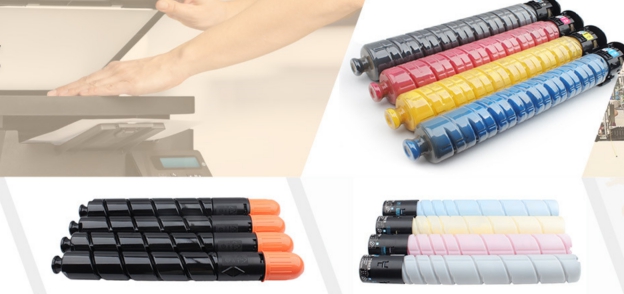
1. TMS TN760 High-Yield Monochrome Toner Cartridge
Compatible Models: Brother DCP-L2550DW, HL-L2325DW, HL-L2350DW, HL-L2370DW, HL-L2390DW, HL-L2395DW, MFC-L2690DW, MFC-L2710DW, MFC-L2730DW, MFC-L2750DW series
The TN760 is one of the highest-volume brother laser printer toner cartridge SKUs in the North American and European markets, designed for Brother’s best-selling monochrome desktop laser line widely deployed in home offices and small businesses. The TMS TN760 cartridge delivers OEM-matched high page yield, with consistent sharp black output, no background fog and no premature toner exhaustion. It installs as a direct drop-in replacement with no firmware modification required, eliminating the false toner level warnings common with low-quality generic cartridges. For users planning routine Brother laser printer toner replacement on their L2350/L2550/L2750 series machines, this is the reliable, cost-effective choice for everyday document printing.
2. TMS TN221 (BK/C/M/Y) Four-Color Toner Cartridge Set
Compatible Models: Brother HL-3140CW, HL-3170CDW, HL-3180CDW, MFC-9130CW, MFC-9330CDW, MFC-9340CDW series
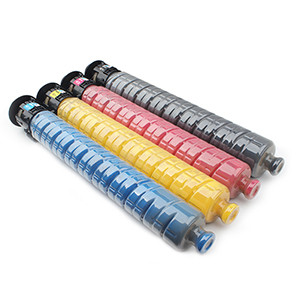
This Brother Color Toner Cartridge set is built for Brother’s classic workgroup color laser line, a staple in small offices requiring affordable color output for presentations, flyers and client materials. Each color cartridge in the TN221 set is formulated with color-calibrated toner powder to match OEM color accuracy, delivering vibrant, consistent color output without color cast or banding. The TMS TN221 set resolves the most common faults seen in generic color cartridges: uneven color density, toner scattering inside the machine, and premature color depletion, making it ideal for service providers and office managers handling Brother printer toner Replacement for aging but still fully functional color laser fleets.
3. TMS TN279 (BK/C/M/Y) Four-Color Toner Cartridge Set
Compatible Models: Brother HL-L3220CW, HL-L3240CDW, HL-L3280CDW, HL-L3295CDW, HL-L8240CDW, DCP-L3520CDW, MFC-L3720CDW, MFC-L3760CDW, MFC-L3780CDW, MFC-L8340CDW series
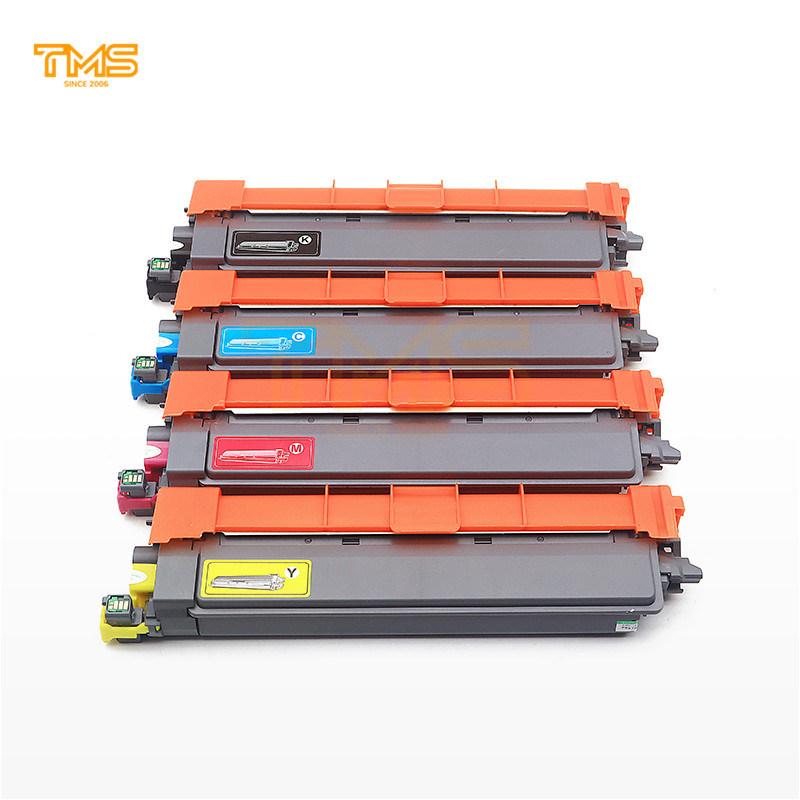
For users with newer generation Brother color laser printers, the TN279 set is a fully compatible Brother Color Toner Cartridge solution designed for current-generation compact and mid-volume color MFPs. The TMS TN279 cartridges are engineered with updated chip programming to ensure full compatibility with latest Brother firmware versions, delivering reliable toner level reporting and no installation errors. With uniform toner particle size distribution and matched internal components (doctor blade, developer roller) calibrated for the new engine, these cartridges deliver smooth color gradients, sharp text and consistent performance across their full rated yield — making them the go-to option for Brother laser printer toner replacement on recent model color devices.
Replacement Best Practices & TMS Support
When performing Brother printer toner Replacement, always power off the printer and allow 5 minutes for internal components to cool before opening the front cover. Remove the old cartridge carefully to avoid spilling residual toner, gently rock the new cartridge side to side 5-6 times to distribute toner evenly before removing the sealing tape, and insert it firmly until it clicks into place. Avoid touching the developer roller or drum surface on adjacent components to prevent print defects.
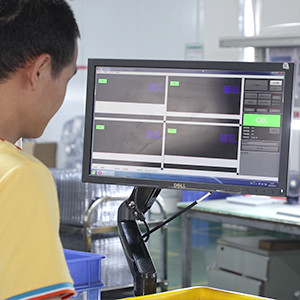
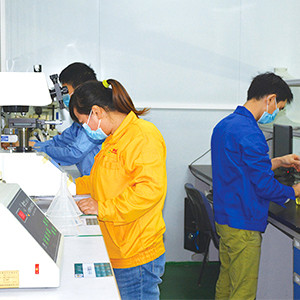
All TMS brother laser printer toner cartridge products are manufactured in-house at TMS’s 90,000-square-meter Zhongshan production base under ISO9001 quality standards, with full batch traceability and 72 hours of real-machine validation before shipment. TMS supports flexible low MOQ trial orders, fast global shipping to over 120 countries and regions, and OEM/ODM private label customization for distributors and MPS providers. Unlike generic marketplace cartridges that may fail after a few hundred pages, TMS cartridges are designed to deliver OEM-equivalent print quality and reliability at a fraction of the OEM price, helping businesses and service providers reduce operating costs while maintaining consistent print performance.
Whether you are replacing toner for a single home office printer or sourcing bulk cartridges for a large managed print fleet, TMS offers full coverage for monochrome and Brother Color Toner Cartridge needs across nearly all active and legacy Brother laser printer models. You can browse the full TMS Brother toner catalog at the link below, or contact the TMS team to request samples or custom bulk quotes.


